Is Your Fleet Your Most Valuable Asset? Only If You Know Where It Is
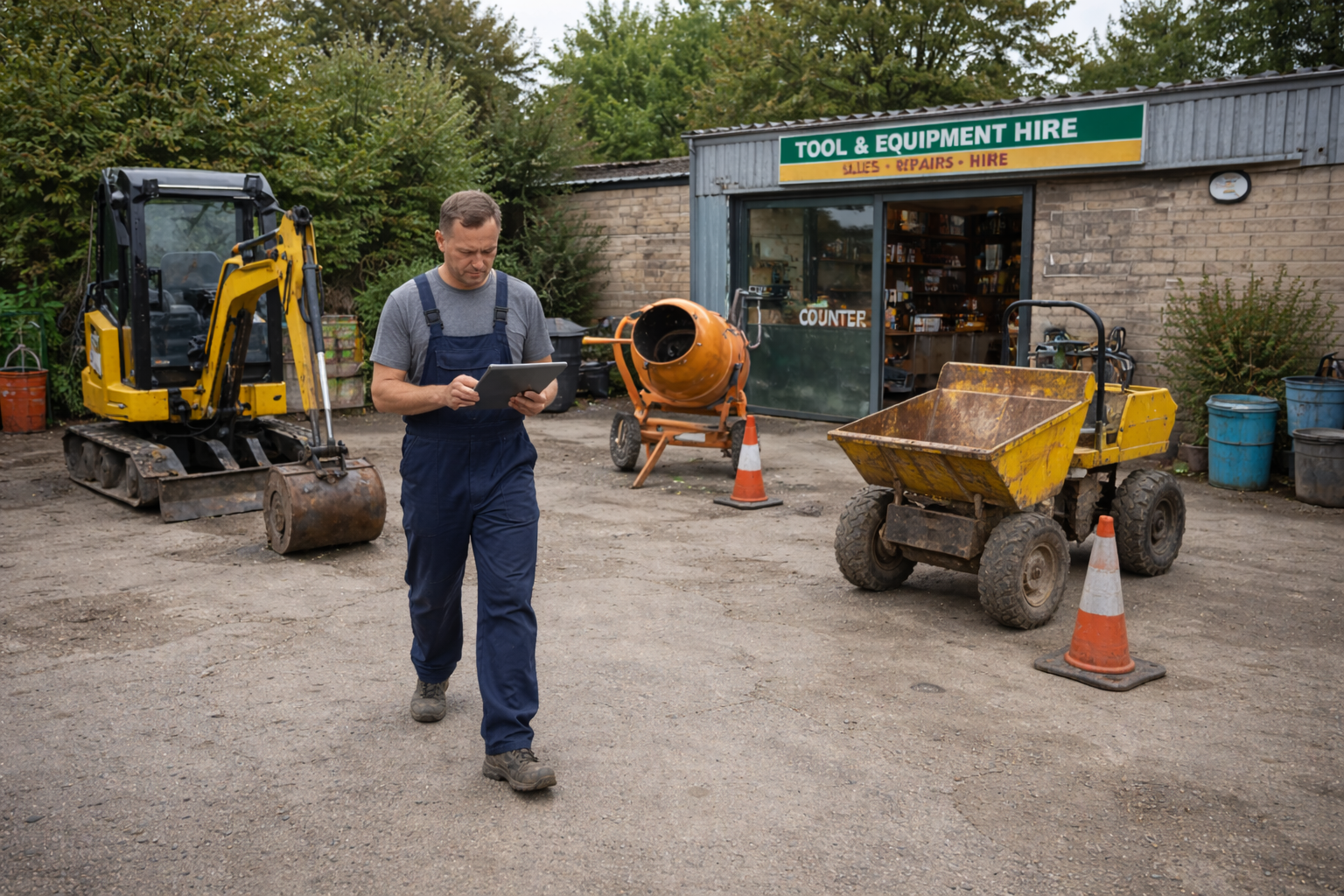
Ask a rental shop owner what their most valuable asset is and the answer is almost always the same: the fleet. But the harder question — the one that rental fleet management software is built to answer — is how much of that fleet could you actually rental out today?
Not what's theoretically in your inventory. Not what you think is back from its last job. But genuinely, confirmably available: not on rental, not booked, not in the workshop, not waiting on a part, not overdue an inspection. For most independent rental businesses, the honest answer is that they're not entirely sure. And the gap between "in the yard" and "available to rental" is where a significant amount of revenue quietly disappears.
The Asset That's Present But Not Earning
A piece of equipment that's physically in the yard but not hireable is the worst of both worlds. It's tying up capital, taking up space and generating zero income — but because it's there, it's easy to assume it's available when it isn't.
This happens in several common ways. Equipment comes back from a rental and goes into the yard before anyone has logged it back into the system — so it looks available on paper, but nobody's confirmed it's in good condition. A service interval triggers but no workshop job is formally created, so the item sits in a grey area between operational and not. A machine is flagged for a LOLER inspection but the certificate hasn't arrived yet, and in the meantime it's not clear whether it can legally go back out.
None of these scenarios require carelessness. They're the natural result of running a busy operation where tracking equipment status falls behind the physical reality of the yard. The problem isn't the people — it's the absence of a rental fleet management system that actively maintains that status and makes availability genuinely visible.
The Difference Between "In Yard" and "Available": Why It Matters
In HireLogic, every item in the fleet has a clear status that goes beyond a simple in/out toggle. Each piece of equipment carries an available or unavailable flag reflecting its actual current state — not just whether it's physically on the premises.
When an item is unavailable, the system immediately tells you why: whether it's currently on a rental contract, booked into a workshop job, or flagged for another reason. A member of staff at the counter trying to add an unavailable item to a new rental contract is stopped immediately and given a clear explanation. If the block is due to an existing booking, the system links directly to it.
The dashboard surfaces this across the business too. Conflicting bookings are called out directly so they can be caught and resolved before they become customer-facing problems. Available in HireLogic actually means available — not "we think it should be ready."
How Service Schedules Create Invisible Rental Fleet Downtime
Maintenance is where equipment rental fleet availability gets complicated. A service that hasn't been logged. An inspection that's due but not scheduled. A fault flagged on return that gets noted on paper and forgotten. These are the gaps that cause equipment to go out when it shouldn't, or to sit idle when it could be generating income.
HireLogic handles this through automatic workshop job creation linked to configurable service intervals. Each individual item can have its own interval set, based on time since the last service, mileage, or engine hours — engine-hours tracking being particularly relevant for heavy plant equipment with a running hours clock.
When an item reaches its service threshold, HireLogic automatically creates a workshop job and marks the item as unavailable — without anyone having to intervene manually. No rental contract can include that item until the workshop job is resolved. This removes one of the most common sources of rental fleet downtime: equipment that should have been serviced going out because no one checked.
Keeping Equipment Maintenance Records That Actually Get Used
Beyond automated intervals, workshop jobs in HireLogic serve as the central maintenance record for each asset. Jobs can also be created manually for ad hoc repairs or inspections, and the full history is retained against the individual item.
For compliance purposes, supporting documents — including LOLER and PUWER inspection certificates — can be stored as attachments against individual assets. When a customer asks for evidence of a recent inspection, or when compliance documentation needs to be reviewed before an item goes out on a particular contract, that information is accessible directly from within the equipment maintenance rental software — not filed in a folder somewhere that nobody can find.
HireLogic is also developing checklist functionality tied to workshop jobs, triggered on rental or off-rental of equipment. For LOLER and PUWER purposes — where the inspection process is essentially a structured checklist — this would bring the compliance workflow directly into the maintenance process, closing the loop between flagging an item for inspection and recording the result.
From Workshop Job to Re-Rental: Closing the Loop on Fleet Availability
The value of a properly managed workshop workflow isn't just in tracking what's broken — it's in getting equipment back into use as quickly as possible, with a complete record of what was done and when.
When a workshop job is completed in HireLogic, the item's status updates and the next service interval begins from the completion date. The item becomes available again. The loop is closed cleanly.
Compare that to the informal process many rental shops still use: a job card written by hand, a service completed by the mechanic, a note somewhere about the next service date, and the machine returning to the yard with everyone assuming it's ready to go. At some point that chain of informal steps breaks down — and when it does, the consequences range from an awkward conversation with a customer to a compliance failure.
Multi-Depot Fleet Visibility: Knowing What's Available Across the Whole Business
For rental businesses operating from more than one location, rental fleet management becomes a two-dimensional problem — not just what's available, but where it is.
HireLogic gives users full equipment rental fleet visibility regardless of which depot they're logged in from. Equipment is assigned to a depot by default and that assignment can be updated when items move between locations. Multi-depot operators see the complete fleet status from a single view, with each item's location clearly recorded.
A formalised transport job workflow — automatically updating an item's depot assignment when a movement is requested and completed — is a recognised development on the platform roadmap.
Frequently Asked Questions About Rental Fleet Management Software
What does rental fleet management software actually track?
A rental fleet management system tracks the real-time status of every piece of equipment in the fleet — whether it's currently on rental, available in the yard, booked into a workshop for service or repair, or unavailable for another reason. It also manages service intervals, maintenance records, compliance documents and booking conflicts across all rental channels.
How does HireLogic prevent rental fleet downtime caused by missed services?
HireLogic configures service intervals at the individual item level — based on time, mileage or engine hours. When an item reaches its service threshold, the system automatically creates a workshop job and marks the item as unavailable. No rental contract can be raised for that item until the job is resolved, which prevents equipment going out when it should be in for service.
Can LOLER and PUWER compliance documents be stored in the system?
Yes. Compliance documents including LOLER and PUWER inspection certificates can be stored as attachments against individual assets. Checklist functionality tied to rental and off-rental events — which would formalise the inspection process within the system — is currently in development.
How does HireLogic distinguish between equipment that's in the yard and equipment that's actually available?
Every item carries a live available or unavailable status that reflects its actual state — not just its physical location. An item that is in the yard but currently on an active rental contract, booked for a future rental, or booked into a workshop job is flagged as unavailable, with the specific reason displayed. Staff attempting to add an unavailable item to a rental contract are stopped and shown the reason immediately.
Does HireLogic support multiple depot locations?
Yes. HireLogic supports multi-depot operations with equipment assigned to specific locations. Users can view the full fleet regardless of which depot they are logged in from, and item location can be updated manually when equipment moves between sites.
If you'd like to learn more about how we can help your business, please book a demo now.
